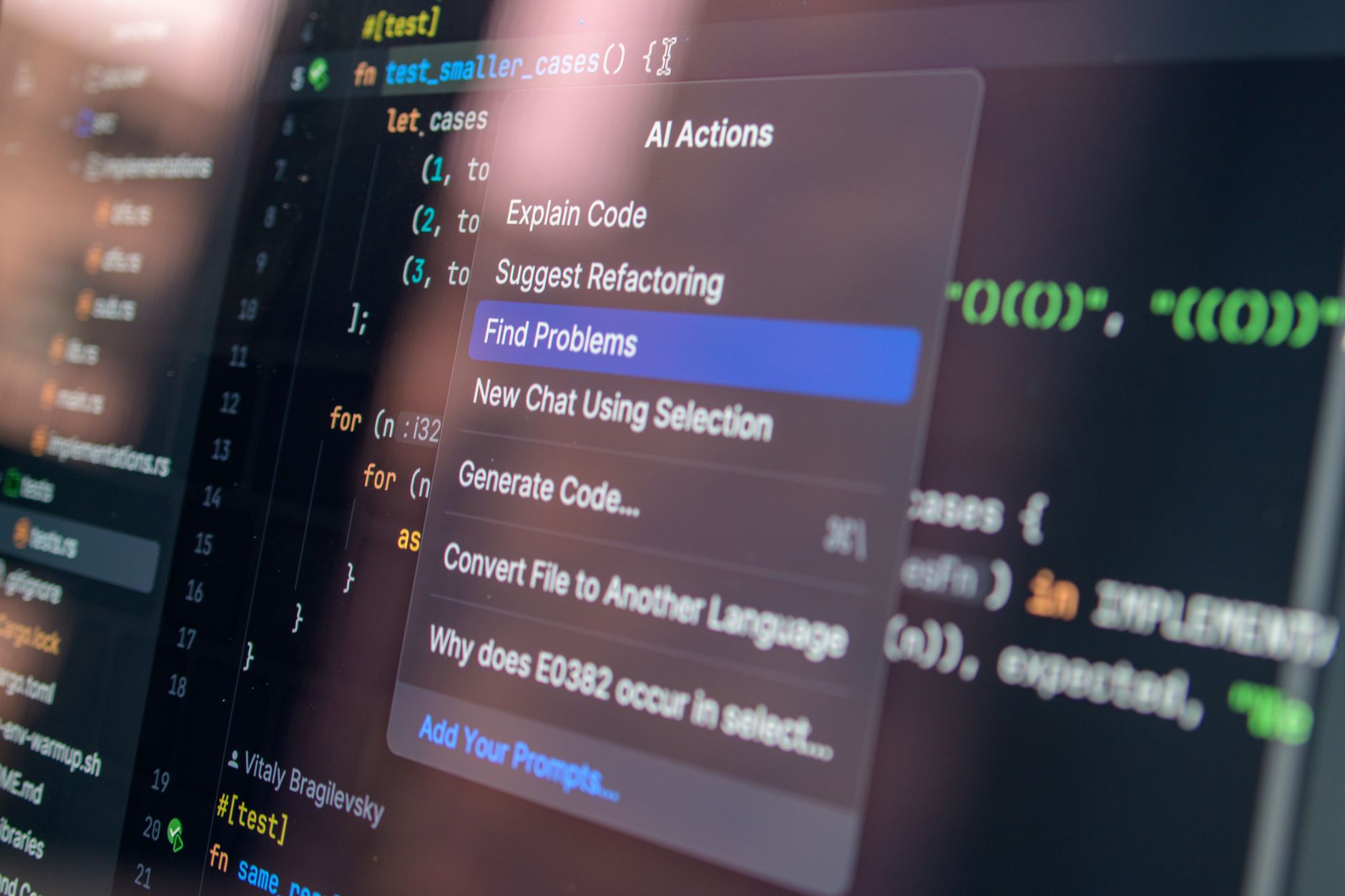
Artificial intelligence may already be part of your workday even if you have never opened a dedicated chatbot. It appears as a suggested reply in email, an automatically generated meeting recap, a search result that answers rather than merely links, a forecast in a dashboard, or a customer-service system that labels a message urgent.
That is why AI tools in the workplace are less about adopting one dramatic new application than learning to recognize what ordinary software is doing on your behalf. A feature can save time and still be wrong. It can sound confident while omitting a crucial document, misunderstand a customer’s intent, or turn a tentative discussion into an apparent commitment.
The durable skill is not memorizing model names or trying every new assistant. It is knowing when software has made a claim, recommendation, prediction or draft; what information it used; and what needs human checking before that output affects another person, a decision or a record.
What counts as embedded AI?
Embedded AI is an AI-related capability built into a product you already use. It may be visible as an assistant or “copilot,” but it can also sit quietly behind a button labeled “suggest,” “smart,” “automatic” or “recommended.” Not all automation is AI, and not every AI feature generates new prose. The practical question is whether the software is interpreting data, making a prediction, ranking options or producing an output that a person might rely on.
Common categories include:
- Generative systems, which draft text, images, presentations, code or summaries from a prompt and available context.
- Retrieval and semantic search, which try to find information by meaning rather than exact keyword matches, sometimes combining retrieved material into an answer.
- Predictive systems, which estimate an outcome such as demand, likely meeting attendance or the probability that a sales lead will convert.
- Recommendation engines, which propose replies, recipients, documents, next steps or calendar times.
- Classification systems, which sort tickets, flag possible spam, assign topics, detect language or apply sentiment labels.
- Speech and language processing, including transcription, translation, captions, summarization and action-item extraction.
- Workflow automation, which moves information between systems or triggers tasks when stated conditions are met. Some workflows use AI to interpret unstructured material; others are conventional rules-based automation.
The distinction matters because different systems fail in different ways. A retrieval tool may surface an outdated policy. A text generator may invent a plausible but unsupported detail. A classifier may apply a label too confidently. A forecast can be mathematically sound yet useless if the underlying data is incomplete or the business definition has changed.
A quick checklist for spotting AI features in software
Start with the software you use routinely: search, email, calendars, documents, chat, customer platforms, project management systems and dashboards. Look for feature names containing terms such as AI, assistant, copilot, smart, suggested, predictive, generated, summarize, rewrite, forecast or recommended.
Then look beyond the main interface. Product release notes, help centres, privacy notices and administrative settings often reveal functions that are easy to miss. An organization may also enable or disable capabilities differently from the product’s consumer version.
- Read the feature description. Does it draft, retrieve, rank, classify, transcribe, predict or automate?
- Check what information it can access: the current document, a mailbox, meeting recordings, internal files, customer records or external web sources.
- Find out whether it provides links, citations, transcripts, data tables or other evidence for its output.
- Review settings and administrator controls, especially for access permissions and data sharing.
- Check whether the tool’s behavior differs by account type, region, plan or organization policy.
- Ask what happens after you click accept. Does the output become an email, a customer record, a calendar invitation, a report or an automated action?
This is a basic form of AI literacy: recognizing that an apparently minor convenience feature may be shaping what information you see and what others receive.
Search and knowledge tools: answers need evidence
Workplace search has moved beyond folders and keywords. Many systems now suggest queries, rank documents by meaning, answer questions in conversational language or assemble a response from internal knowledge sources. These features can be valuable when information is scattered across documents, chats and project spaces. They can also make it easier to accept a polished answer without opening the underlying material.
When a search assistant offers a direct answer, verify five things before treating it as authoritative:
- The source. Does the answer link to a real document, policy, message or record? Open it.
- The date. Is the source current, or has a newer version superseded it?
- The authority. Is it a formal policy, a draft, a colleague’s note or an unverified external page?
- The context. Does the cited passage actually support the conclusion, including exceptions and conditions?
- The coverage. Did the system search all relevant repositories, or only the sources it was allowed to access?
A citation is helpful but not a guarantee. It may point to a relevant document without supporting every statement in the answer. It may also fail to reveal that a key repository was excluded by permissions or configuration. If the result guides a contractual, operational or personnel decision, search the original materials yourself and preserve the relevant source.
Scheduling, email and meetings: convenient summaries can create commitments
Calendar and communication tools increasingly offer suggested meeting times, invitee recommendations, drafted messages, automatic transcription, summaries and extracted action items. These are among the most familiar AI productivity tools because they often appear at exactly the moment work feels repetitive.
They are also easy to over-trust. A scheduling suggestion can overlook a time zone, a blocked focus period or a colleague’s local holiday. A drafted reply may adopt a tone that is too casual, too firm or subtly different from what you intend. Transcription can struggle with names, specialist terms, overlapping speakers, poor audio and accents. A meeting summary may present an inference as if it were an agreed action.
Before sending or relying on these outputs, check:
- Dates, times, time zones, duration and attendees.
- Whether the meeting was intended to produce a decision, or merely explore options.
- Names, numbers, deadlines, product terms and promised follow-up.
- Whether action items identify an owner and a due date that participants actually accepted.
- Whether the draft’s tone fits the relationship, audience and organizational policy.
- Whether the transcript or summary has accidentally included confidential content that should not be distributed.
A useful habit is to treat a meeting summary as a draft record, not the record itself. For consequential meetings, circulate it for confirmation or write decisions and owners explicitly while participants are present.
Writing and presentation software: polish is not proof
Writing tools can correct grammar, rewrite sentences, translate passages, summarize documents, propose outlines, format reports and generate presentation structure. They can reduce blank-page anxiety and help users make routine communication clearer. But fluency is not evidence.
The central risk with AI-generated content at work is that the language may be better than the factual foundation. Generated text can blend accurate information with a mistaken number, an invented citation, an outdated rule or an oversimplified explanation. Rewriting can also quietly remove caveats that were important to the original author.
Review generated writing at the level appropriate to its purpose:
- Verify factual statements against primary documents or credible source material.
- Check quotations word for word and confirm that they retain their context.
- Recalculate or trace numerical claims to their source.
- Confirm citations, links and references exist and support the stated point.
- Read for omissions, especially qualifications, uncertainty and exceptions.
- Check that the voice, reading level and legal or regulatory wording suit the audience.
- Do not paste confidential, personal, regulated or commercially sensitive information into a feature until its data handling is understood and approved.
Translation deserves the same caution. It can be useful for comprehension and first drafts, but nuance, technical terminology, cultural meaning and contractual language may require a qualified human reviewer.
Customer service and sales: do not automate trust
Customer-service and sales platforms may classify tickets, suggest responses, summarize calls, label sentiment, recommend knowledge-base articles or score leads. These functions can help teams triage large volumes of routine work. They should not become a reason to let a system make unreviewed promises or determine how a person is treated.
Sentiment is especially easy to misread. A message marked “negative” may be urgent, sarcastic, frightened or simply direct. A customer who writes politely may still have a serious unresolved problem. Likewise, lead scores and priority labels reflect the data and definitions built into a system; they are not neutral measures of human value or business certainty.
For any customer-facing recommendation, verify identity, account details, eligibility, policy language, pricing, inventory, delivery commitments and escalation requirements. Compare a call summary with the recording or notes before treating it as the official account. Ensure the proposed message says only what the organization can honor. Where a decision affects access, pricing, employment, safety, legal rights or a vulnerable person, a responsible human should make or approve the decision.
Analytics and business intelligence: ask what the number means
Analytics interfaces increasingly let users ask questions in ordinary language, generate charts, explain changes in a metric, flag anomalies and forecast future results. This can make data more accessible, but it can also conceal the choices that make an analysis meaningful.
A dashboard narrative such as “sales fell because customer engagement declined” may be a useful lead for investigation. It is not necessarily a demonstrated causal explanation. A forecast is not simply a view of the future; it is an estimate built from past data, assumptions and a model’s method.
Use this verification sequence for an AI-generated analytic answer:
- Inspect the underlying data. Identify the tables, records or systems involved.
- Define the metric. Establish exactly what counts, what does not, and whether definitions changed.
- Check the time range. Compare like with like and account for seasonality, partial periods or unusual events.
- Review filters and segments. Confirm geography, customer type, product line, channel and user permissions.
- Look for missing or delayed data. Absence can appear as a trend.
- Understand the calculation. Check aggregations, comparison groups, currency treatment and any derived fields.
- Separate observation from explanation. A detected correlation may not establish a cause.
For a significant forecast or anomaly, retain the query, filters, data extract and review notes. That makes the work auditable and helps colleagues understand what the result can—and cannot—support.
The five-question framework for verifying AI output
Whether you are reviewing a search answer, a drafted email or a forecast, use the same five questions:
- What is the source? What documents, data, conversation history or external material informed the result?
- What exactly was asked? Was the prompt, query or instruction sufficiently specific? Did it contain ambiguity?
- What assumptions were made? Did the system infer dates, definitions, intent, audience, ownership or causality?
- What could be missing or wrong? Consider outdated material, permissions gaps, transcription errors, bias in training or historical data, and unsupported claims.
- Who is accountable for the decision? Identify the person who must stand behind the outcome, not merely the software that produced a suggestion.
The depth of review should match the stakes. A brainstormed headline may need only a quick originality and relevance check. A customer email may require confirmation of facts, tone and commitments. A hiring recommendation, financial decision, safety instruction or legal communication requires much more than a plausibility review. In those settings, AI can assist research or administration, but human decision-makers need to evaluate the evidence and follow applicable policy and law.
Privacy, security and ownership: check, do not assume
One of the most important parts of responsible use of workplace AI is understanding where your information goes. “Built into our work software” does not automatically mean “confidential under every circumstance.” Data handling may vary by product tier, organizational contract, configuration, location and the particular feature being used.
Before entering sensitive information, find answers to practical questions: Are prompts, uploaded documents, meeting recordings or customer conversations retained? Can they be used to improve a provider’s systems? Which administrators can access logs or outputs? Is processing performed by another service provider? What permissions determine which internal files an assistant can retrieve?
Do not assume that a consumer account and an organization-managed account have the same controls. Do not assume that deleting a chat removes every associated record. And do not assume that a feature’s friendly interface explains its full data path. Your organization’s security, privacy, records-management and procurement teams may have approved tools and prohibited uses for a reason.
A practical risk ladder for workplace automation
Not every task requires the same safeguards. A simple risk ladder can prevent both careless use and unnecessary fear.
Low stakes: quick review
Brainstorming, formatting, creating a first outline, suggesting a subject line or reorganizing non-sensitive notes can usually receive lightweight human review. Check usefulness, accuracy where relevant and whether confidential material was exposed.
Medium stakes: documented checks
Customer communications, external presentations, operational reports, project plans and business analyses deserve source checks and a clear review step. Keep the original evidence, confirm important facts and record who approved the final output when appropriate.
High stakes: human judgment remains central
Employment, legal, medical, financial, safety, disciplinary, access-related and similarly consequential decisions require careful human oversight. Automated outputs may reveal patterns or help organize information, but they should not substitute for accountable judgment, due process, professional expertise or required review procedures.
Build an AI feature inventory for your role
The fastest way to improve AI literacy is to map your real workflow rather than start with abstract debates. Make a simple inventory of the software you use in a normal week.
- List each application and the tasks you perform in it.
- Identify automated, predictive, generative, search and recommendation features.
- Record what data enters each feature, including documents, personal data, customer data, meeting content and analytics data.
- Describe the likely failure: an awkward sentence, a missed deadline, a false customer promise, an exposed record or a poor decision.
- Assign a verification step, an approver where needed and a rule for preserving source material.
- Review the inventory when tools, permissions or policies change.
This exercise makes invisible workplace automation visible. It can also expose where a team needs clearer rules: which features are approved, which data types are restricted, when generated material must be labeled, and how workers should report recurring errors.
What good use looks like
Good use of AI features in software is neither blind acceptance nor reflexive rejection. It means using a fast, fallible assistant for work it can genuinely accelerate while keeping people responsible for accuracy, fairness, confidentiality and consequences.
Preserve source material. Distinguish a draft from a verified conclusion. Label substantially AI-assisted work when your organization, client relationship or professional norms call for transparency. Keep a review trail for important outputs. If a feature repeatedly misstates a policy, excludes a group of documents, mistranscribes a recurring name or makes the same analytic error, report it to the relevant administrator or vendor rather than silently working around it.
The future of work will not be defined only by standalone AI products. It will be shaped by the ordinary buttons, summaries, recommendations and rankings woven into everyday software. The most useful habit is simple: whenever a tool makes a claim, ask what supports it—and whether the stakes allow you to trust it without checking.
Image by Daniil Komov on Pexels.